They Did Surgery on a Mouse...
Repairing my beloved G604 Wireless's Middle Click
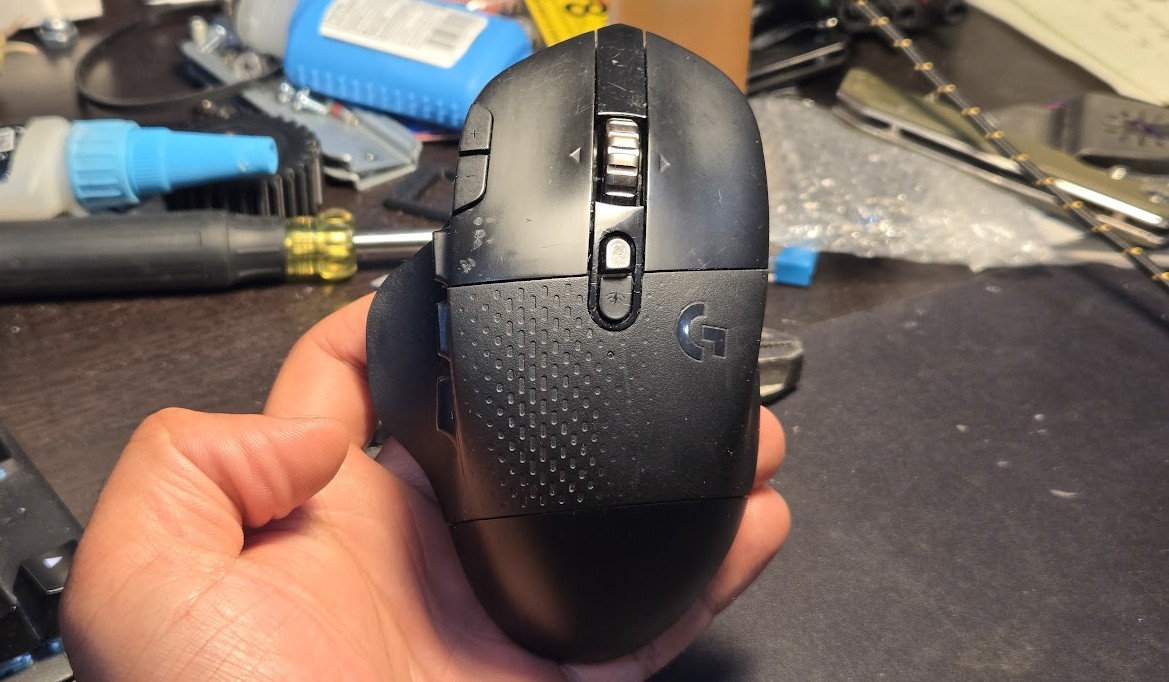
I love this mouse, the Logitech G604 Wireless, unfortunately discontinued (New old stock going for $300+ online!!!).
I am a middle-clicker, I think I middle click more than the average person, constantly opening things in new tabs, closing tabs, and unfortunately the button has given up. I was looking to replace just the actual switch, a very cheap little dome switch, but I could not identify it just from pictures online.
Of course, I did find it post hoc.
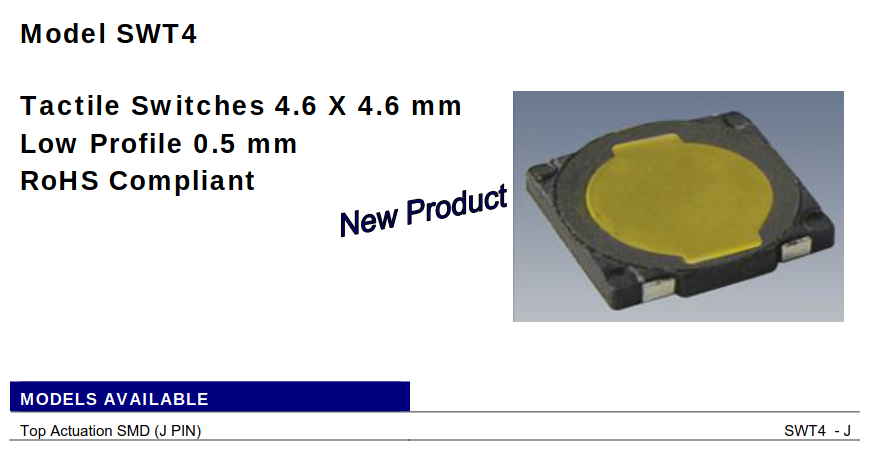
And of course, I would have to replace the skates as well; this combo of replacement board and skates costs the same as just the skates on Amazon; it’s a clear choice.
This article is not that interesting, I mostly took so many pictures so I would know how to put it back together; there are so many screws, so many small plastic parts; but it might be helpful to someone else taking apart their mouse.
Disassembly
After removing the skates and screws from the bottom, the bottom comes straight off and the top/inner structure can be manuevered out of the side shell by tilting it up.
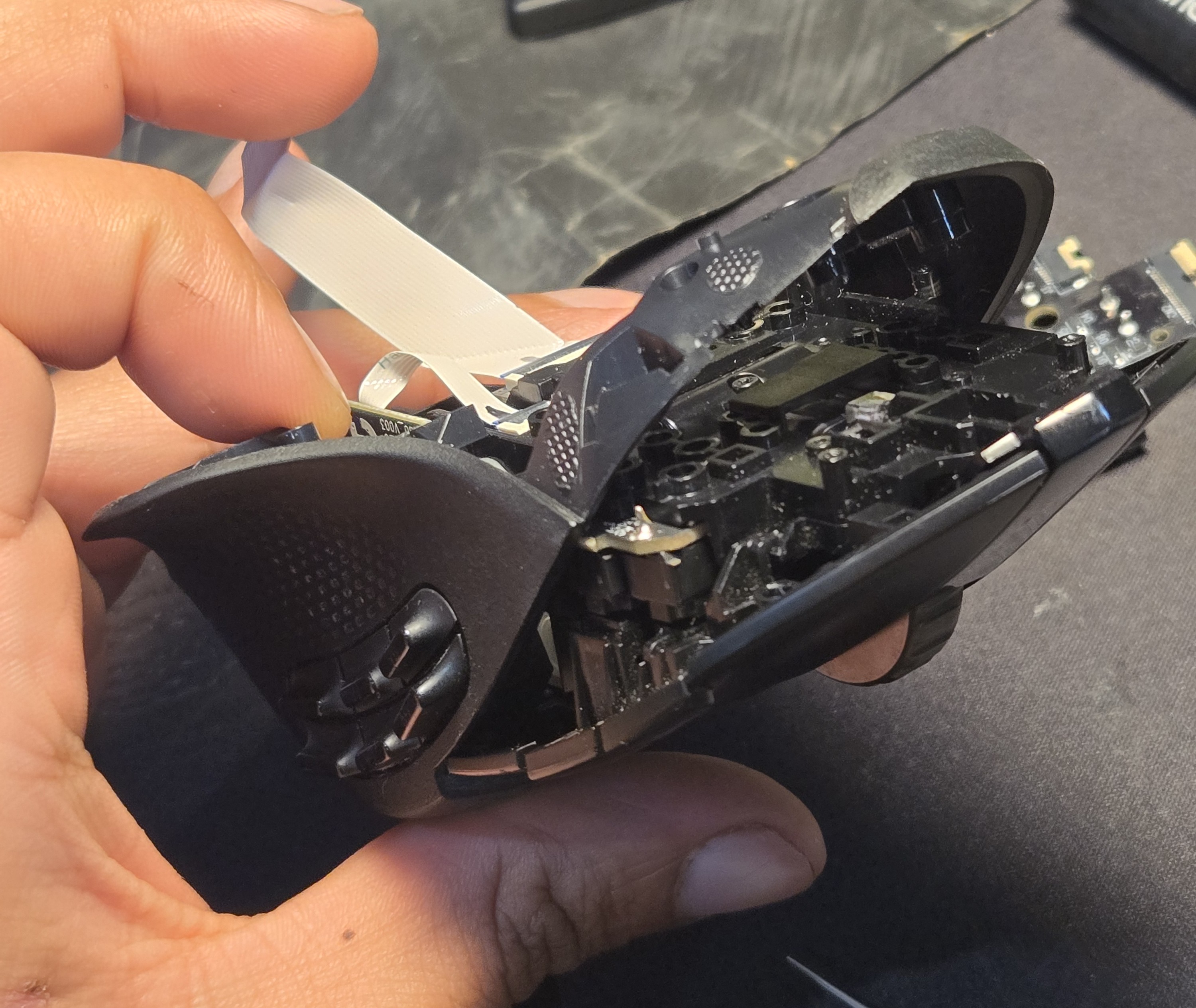
I probably ought to have removed the ribbon cables before the previous maneuver, but better late than never.
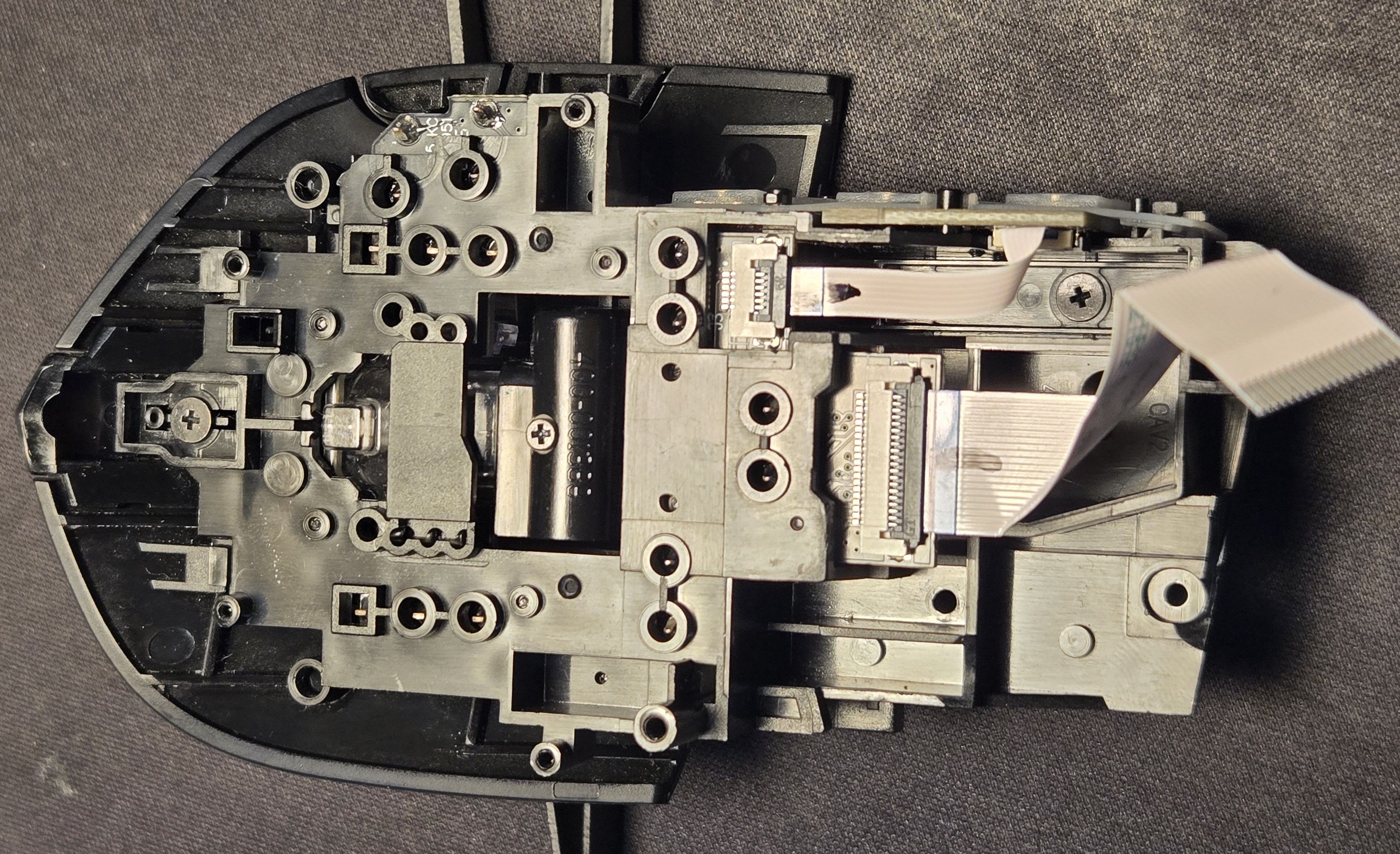
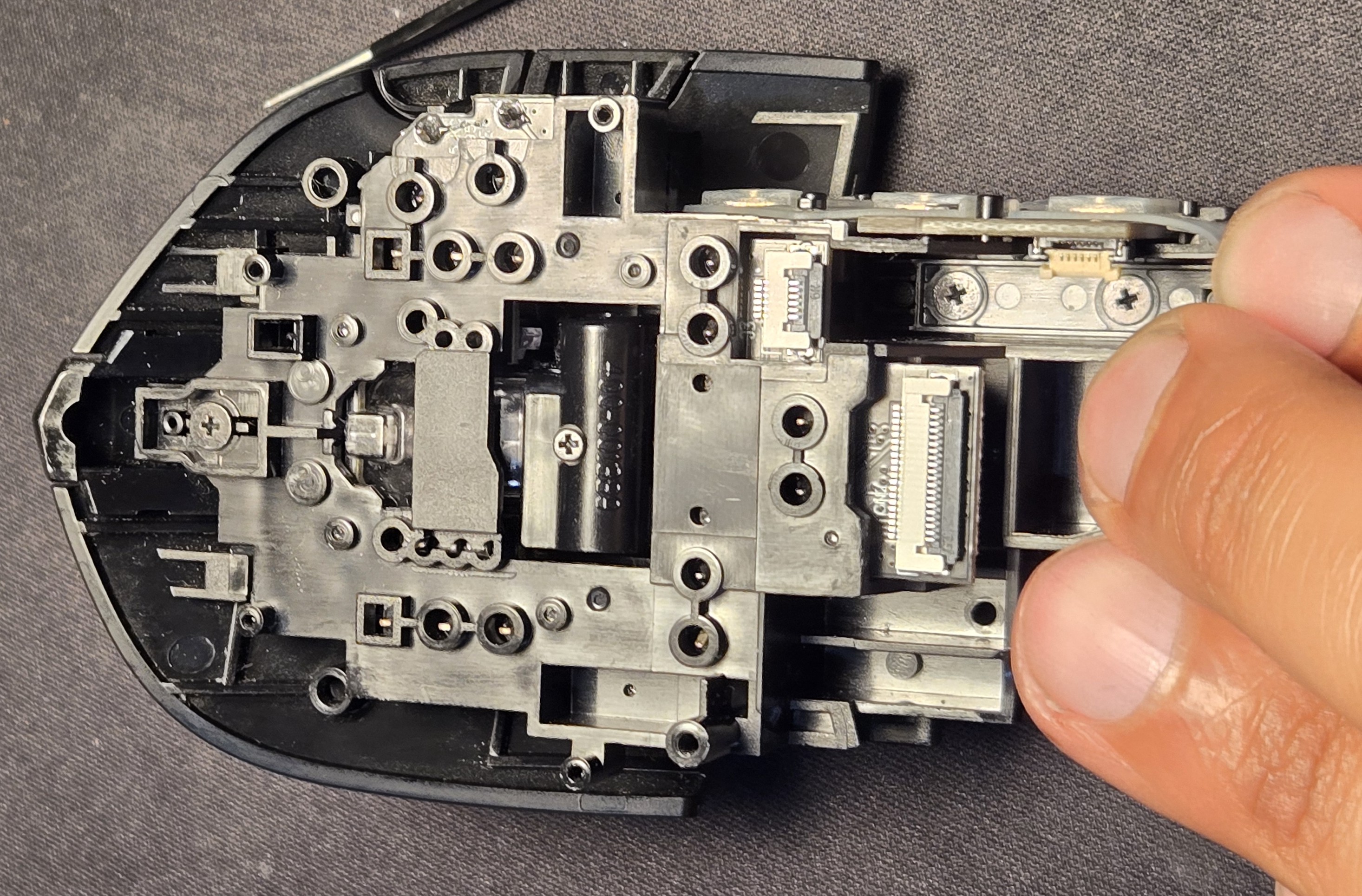
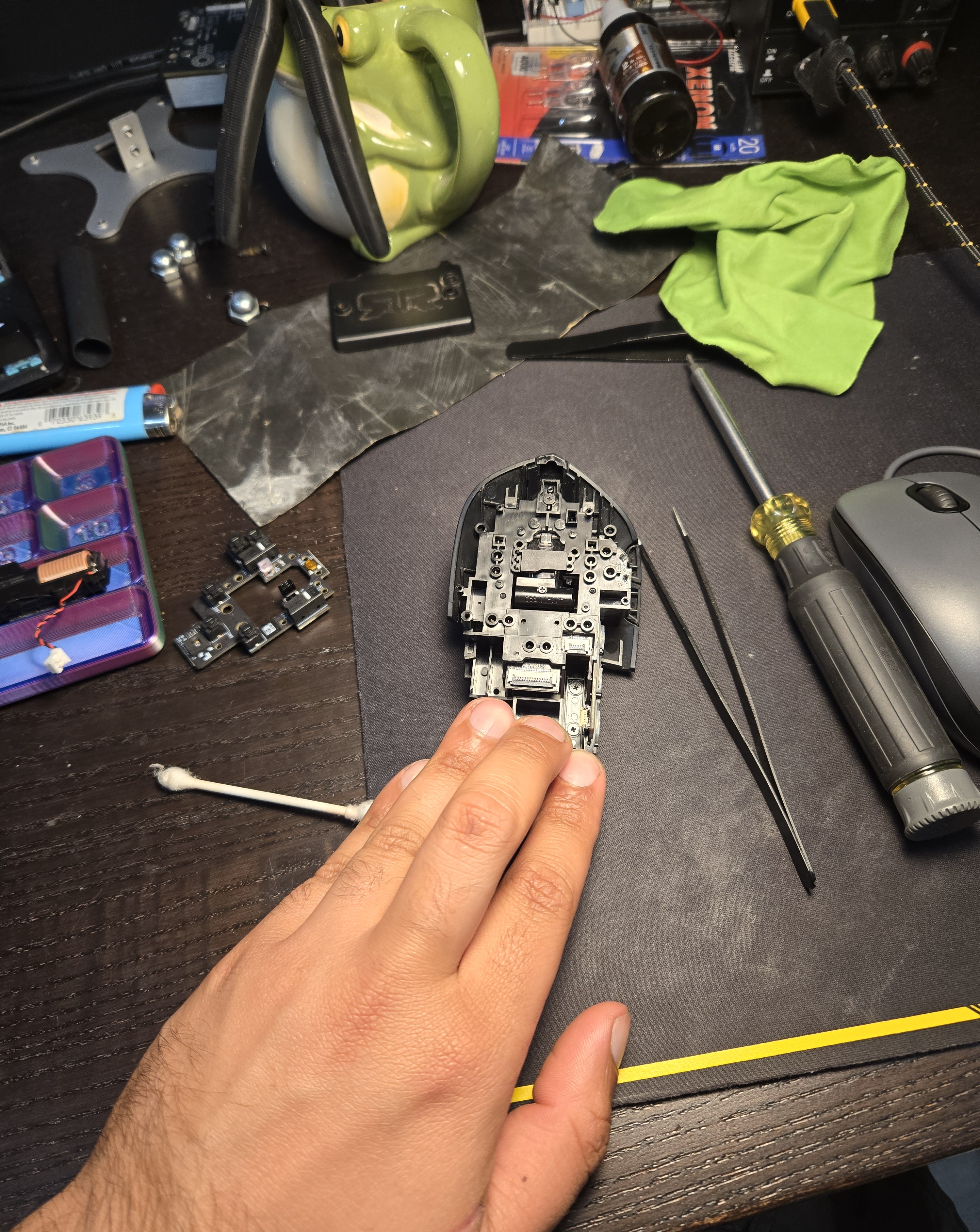
As a little treat you can see the current state of my desk including the mouse I was using while this one is in the OR. In anticipation of this repair I printed a little parts tray in a gaudy tricolor PLA my brother-in-law fished out of a warehouse trash can/pallet, visible on the left.
Let’s turn our attention to the top and start removing the mouse “buttons.”
God, it’s difficult to describe the parts of a mouse. Is the part you touch the button? Is it the actuator that actually depresses the switch? Is it the switch?
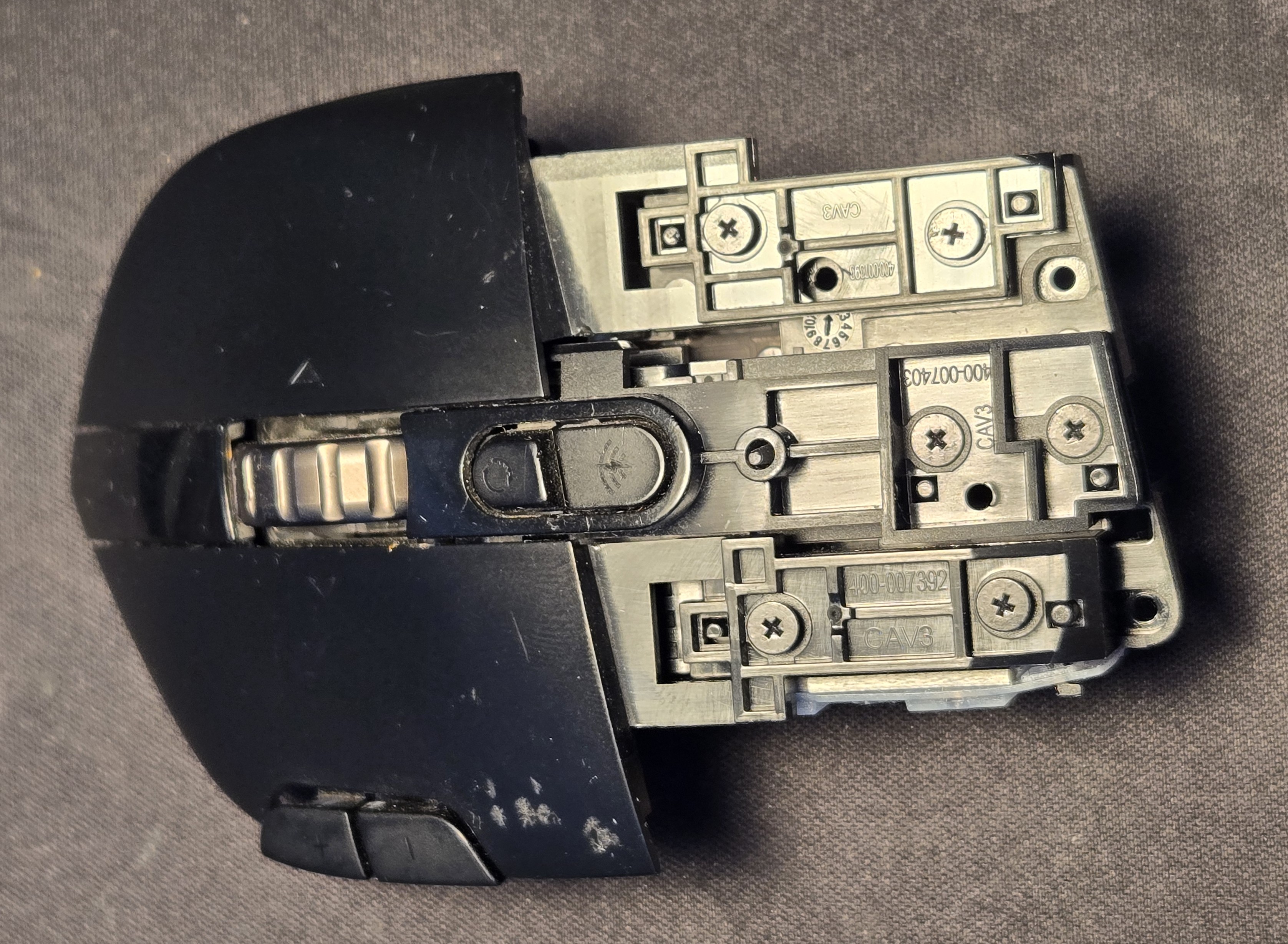
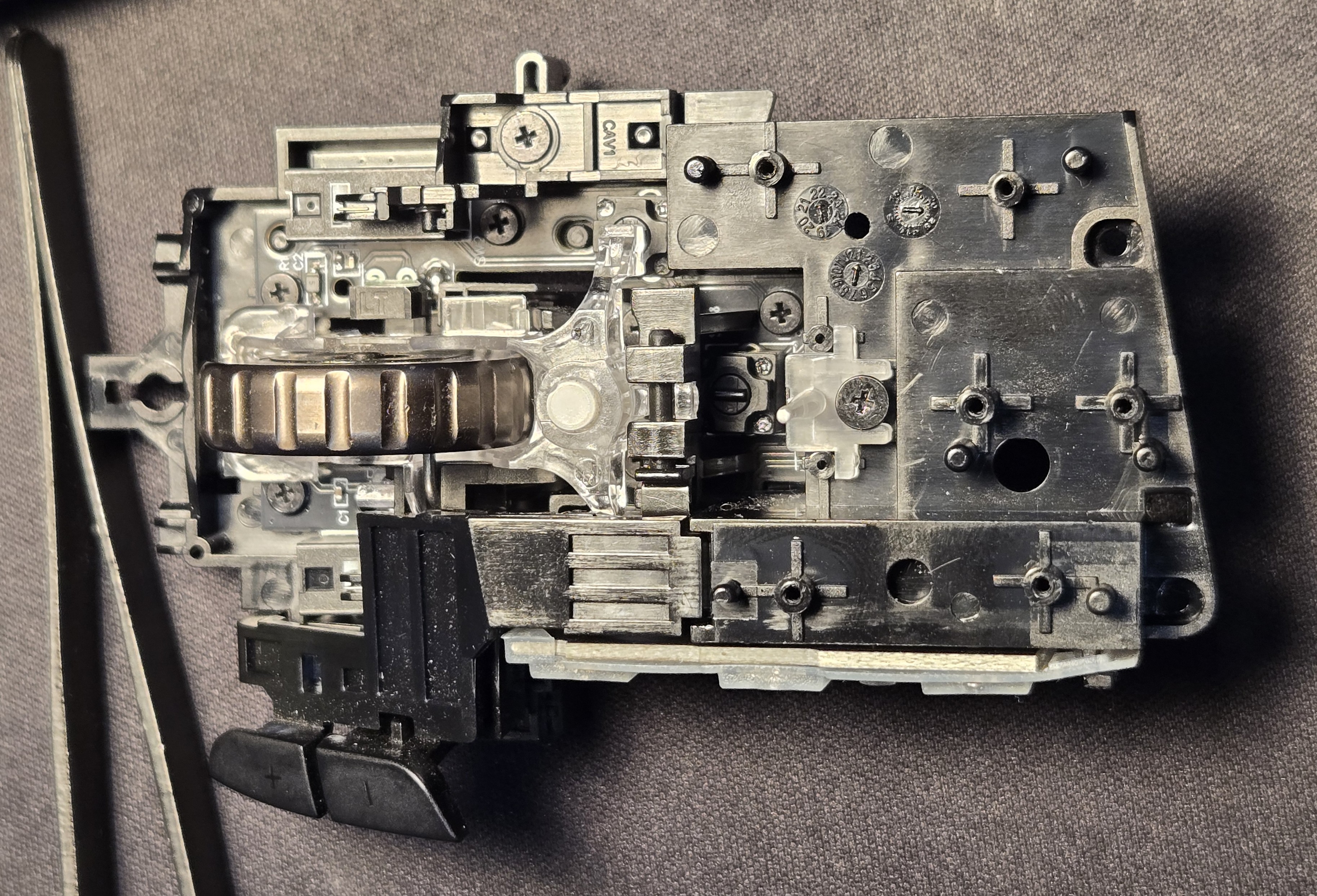
I don’t know if it is actually necessary to remove the side buttons. All the screws holding down the board are accessible from the top but it might have been difficult to remove the hinge pin on the scroll wheel “carriage”.
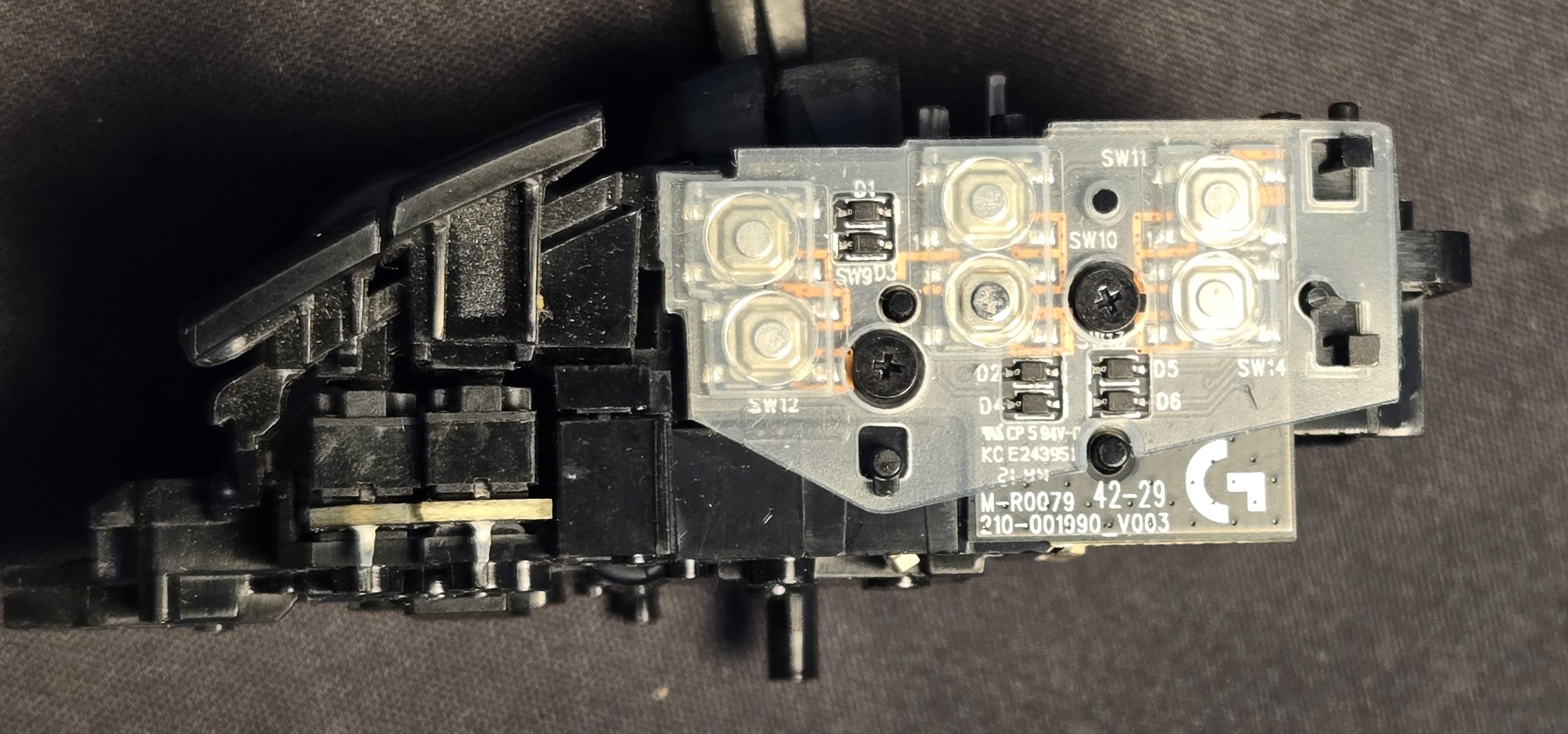
After removing the side buttons we can remove the button actuators(?). These are attached similarly to the “buttons,” hold down screws and locating studs.
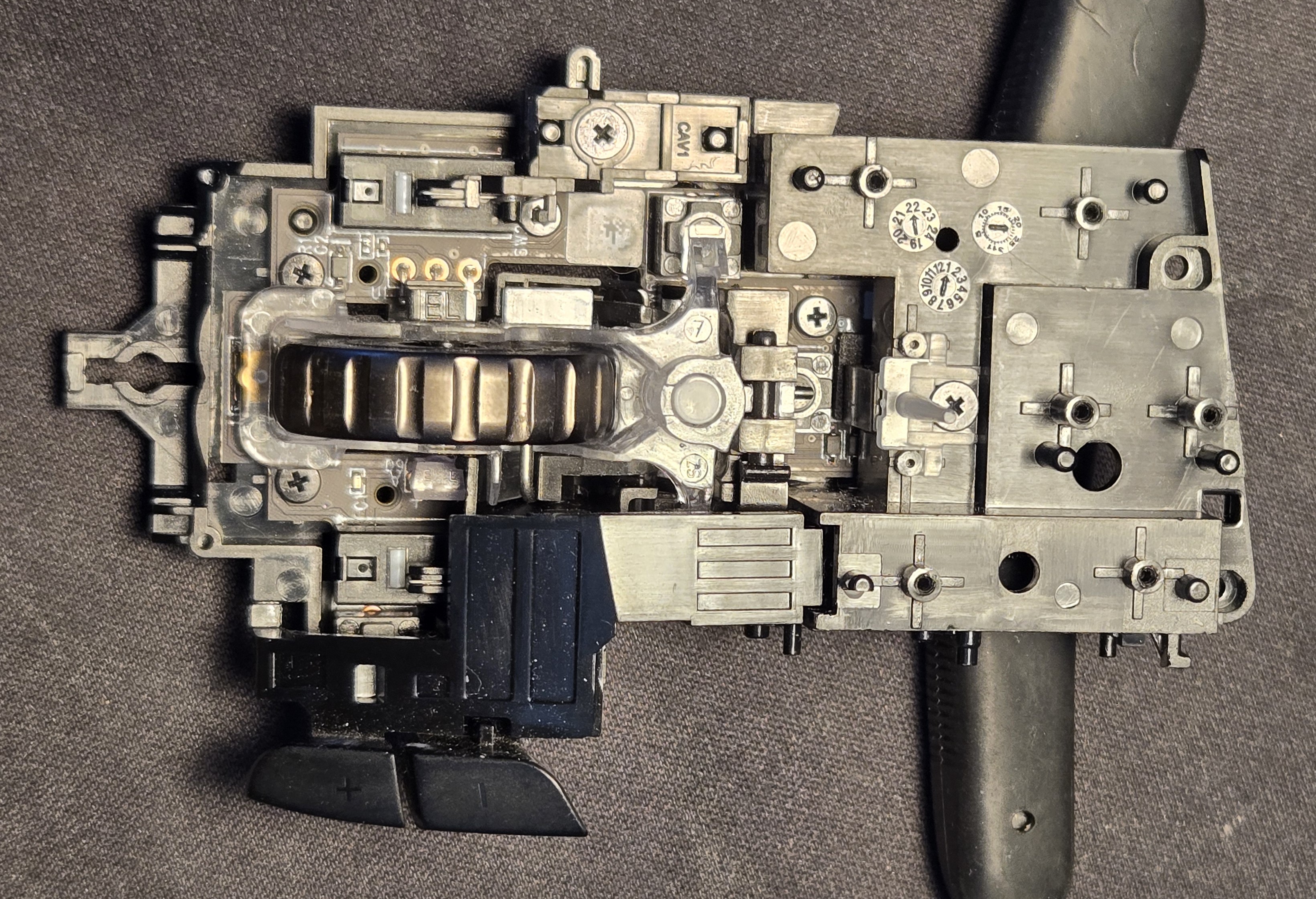
With the plus/minus buttons removed, we can see the left click switch actuator and remove it similarly.
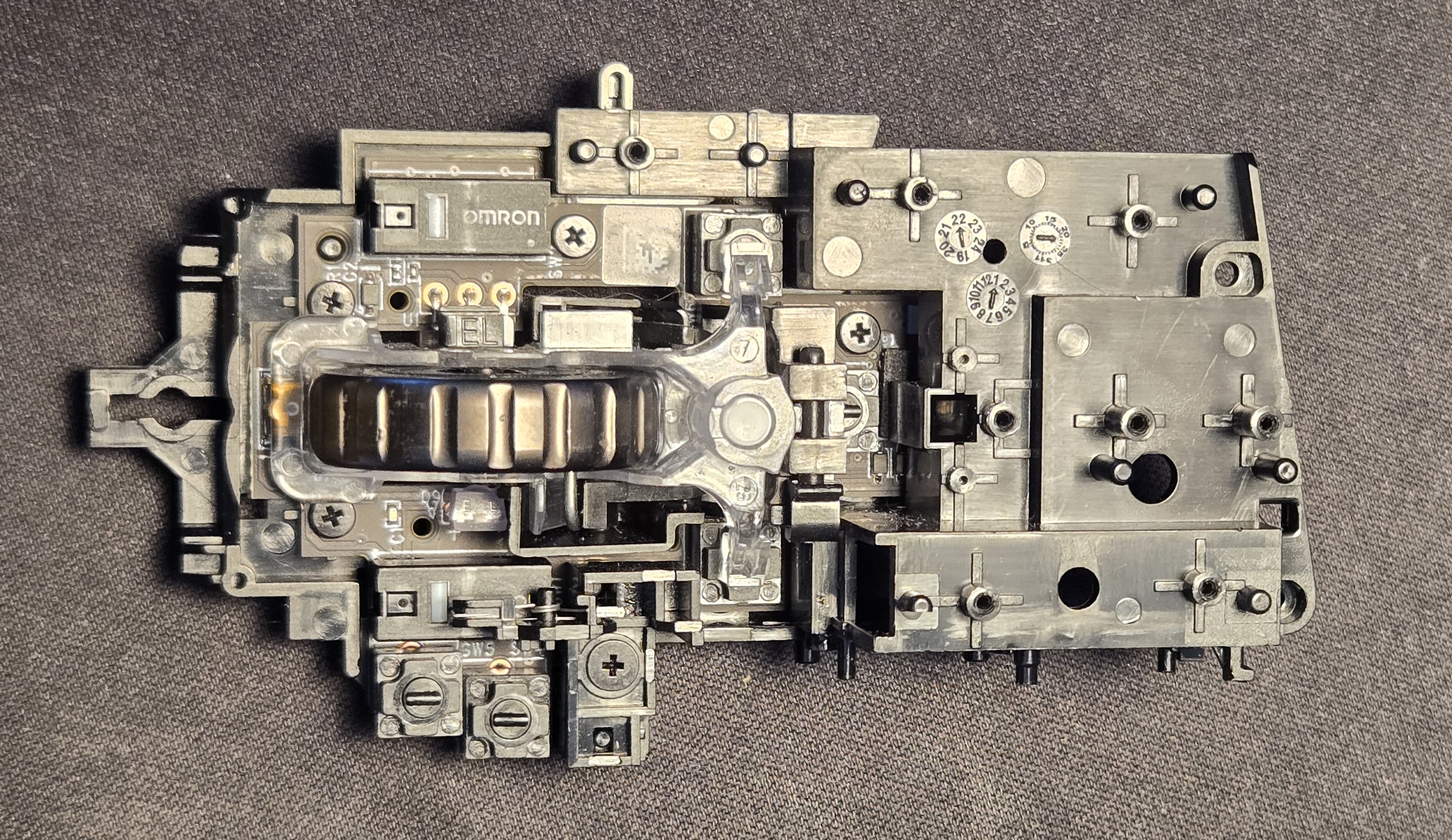
The difference between these two ↑/↓ is subtle in the harsh lighting of my desk lamp.
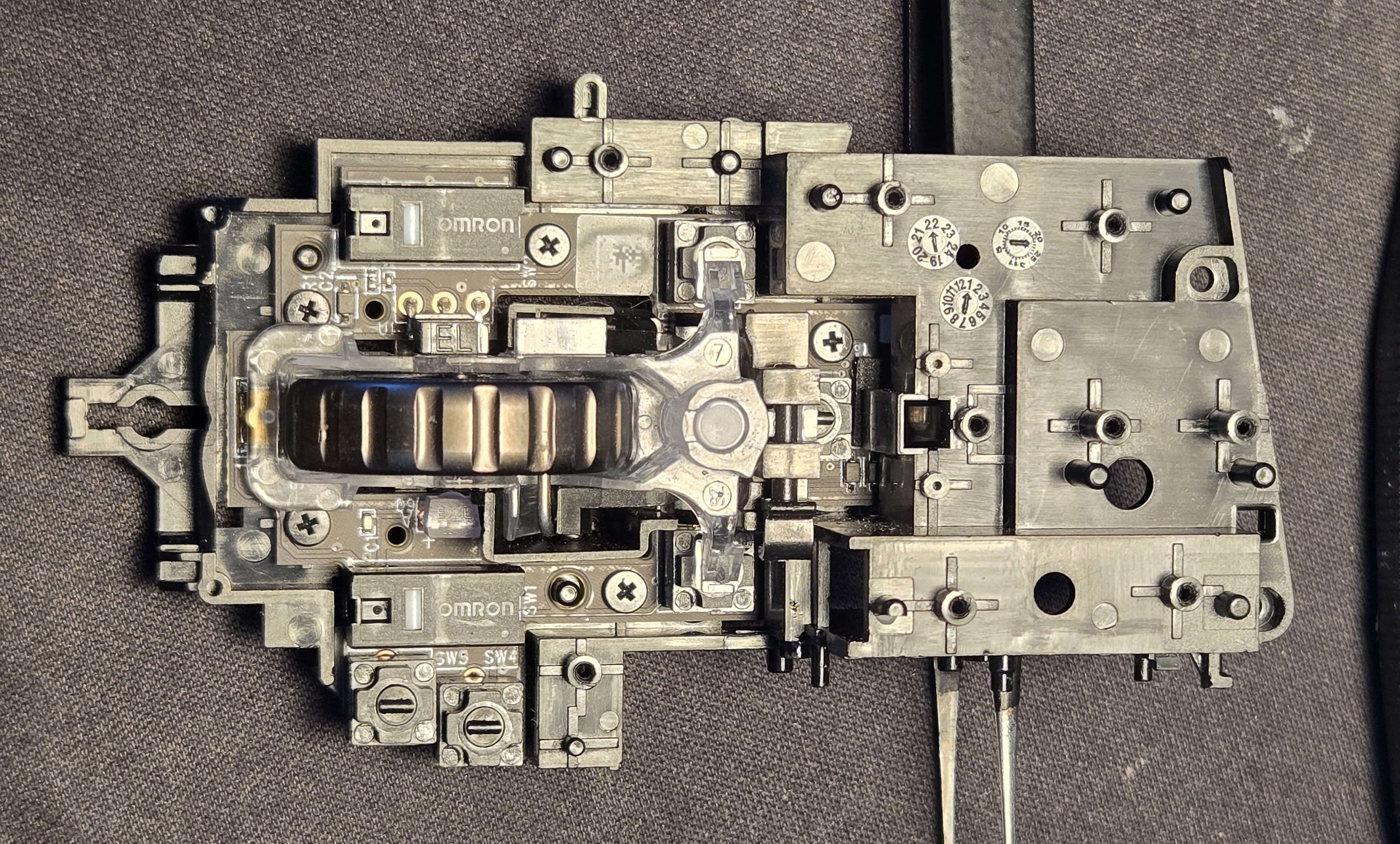
All bare, we can remove the hinge pin on the carriage housing the scroll wheel and its lock mechanism.
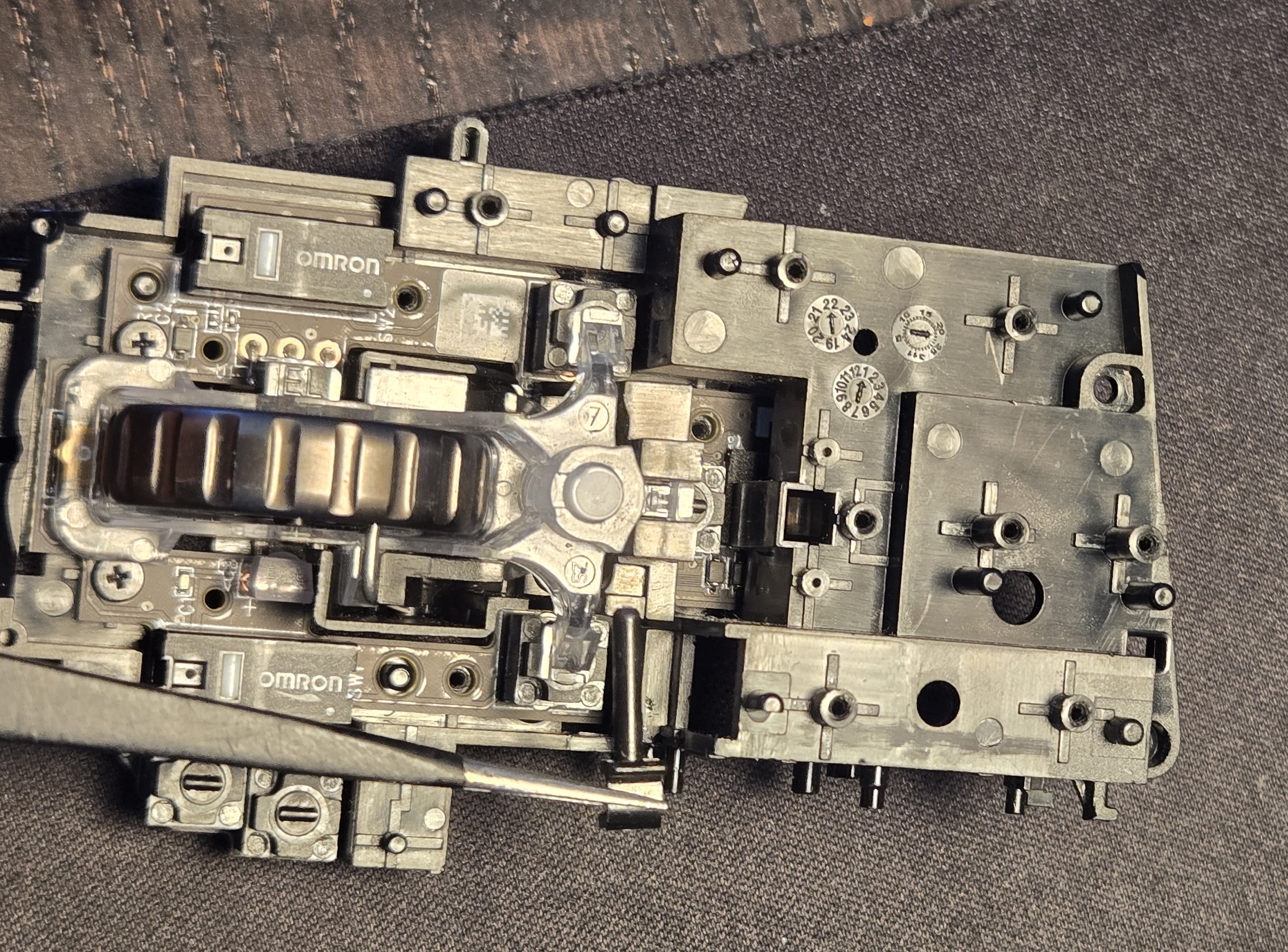
An intermittent step is not displayed here. After removing the carriage, the hinge mechanism’s two hold-down screws are removed and it is lifted aside.
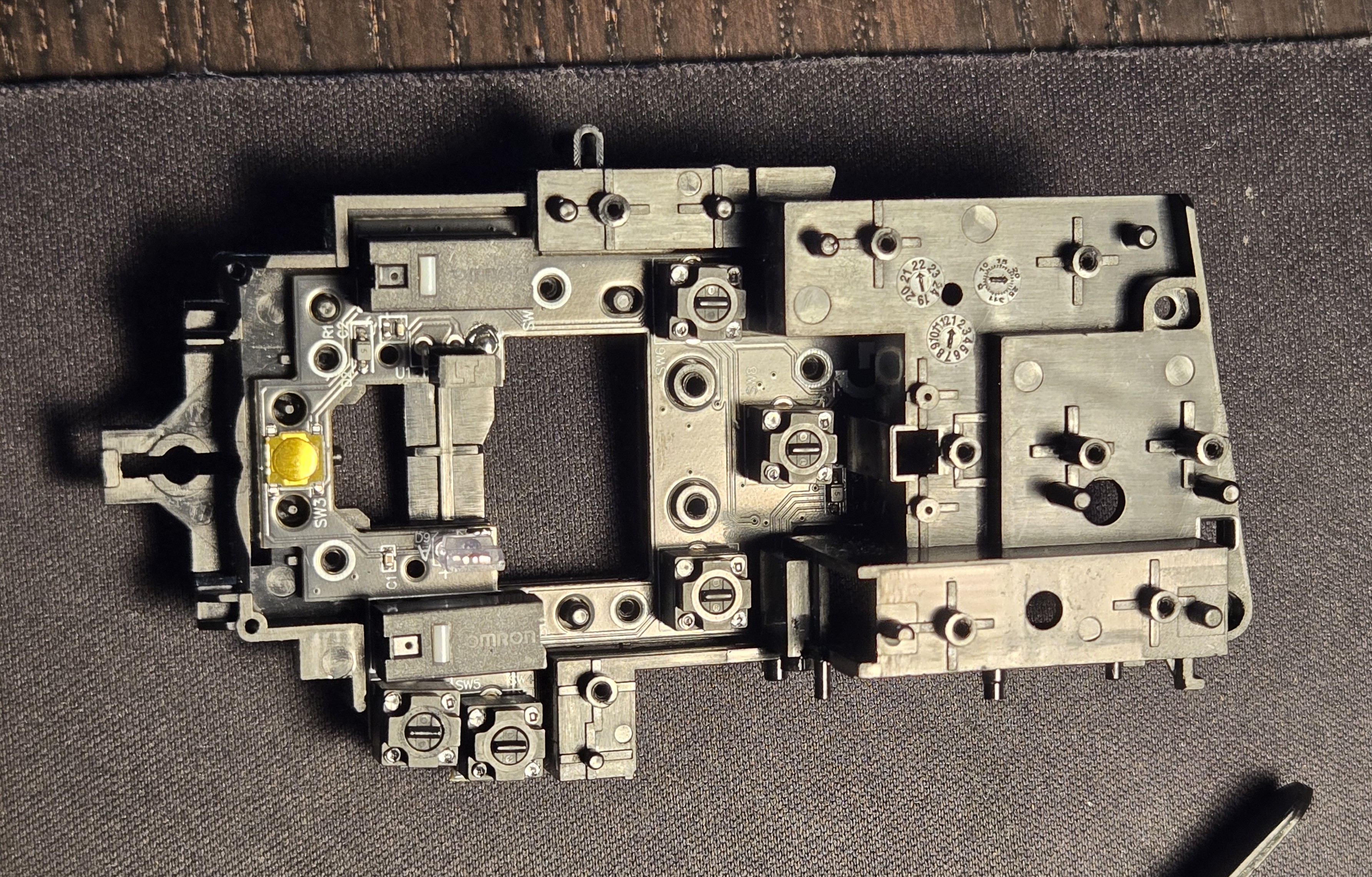
The keen eyed among you may notice that the new board has already been installed. At this point I was confident enough to blast forward sans record, thinking only about the article after the fact.
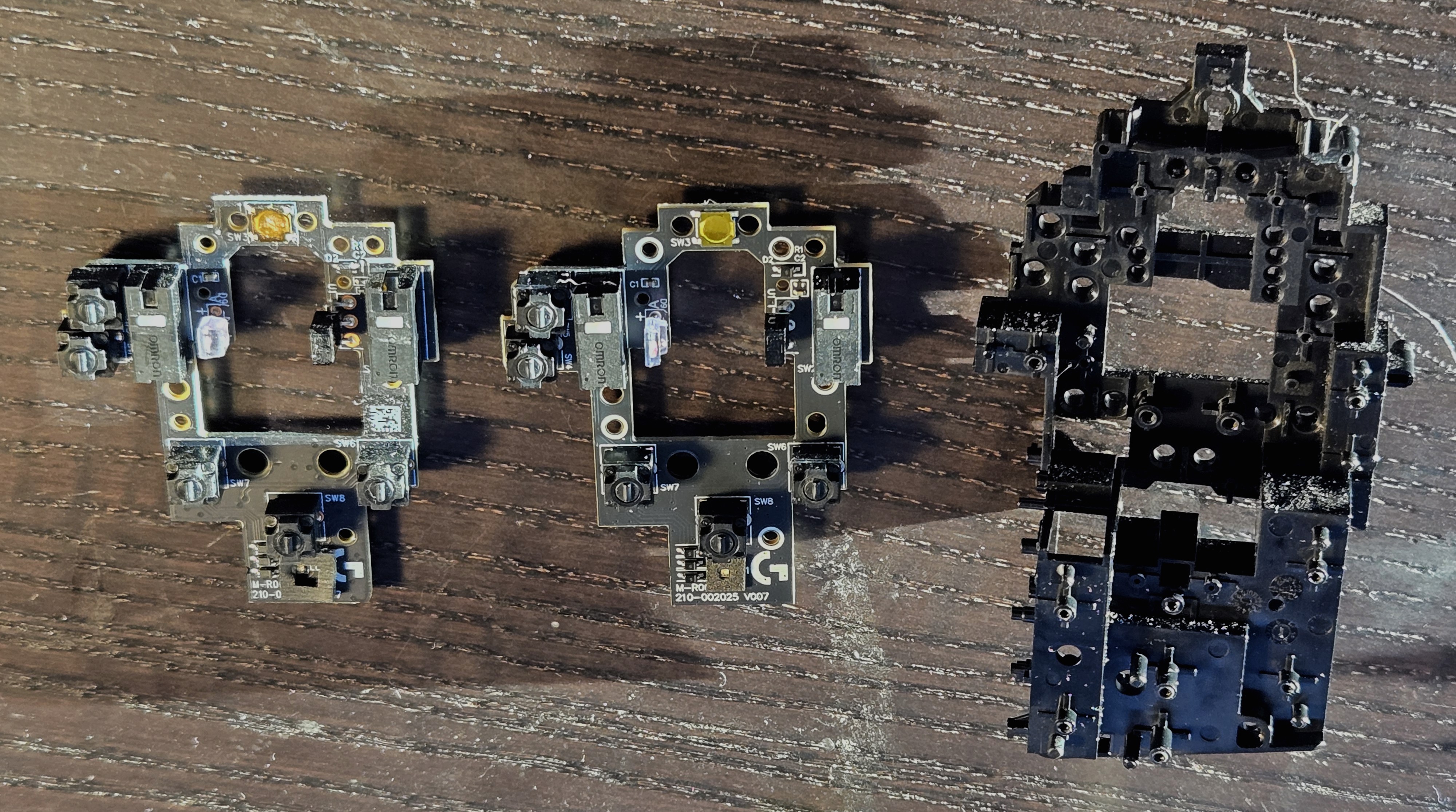
The skeleton of the mouse is an extraordinarily well engineered part, I studied it for quite some time. Objects like this are spiritually powerful, beacons of concentrated force of will. The amount of people involved in this part– directly, sure– historically, astounding. One might trace this part back to the first man to sharpen a reed into a quill, and another after him finding one that might fit his hand more precisely. I should have gotten a better picture.
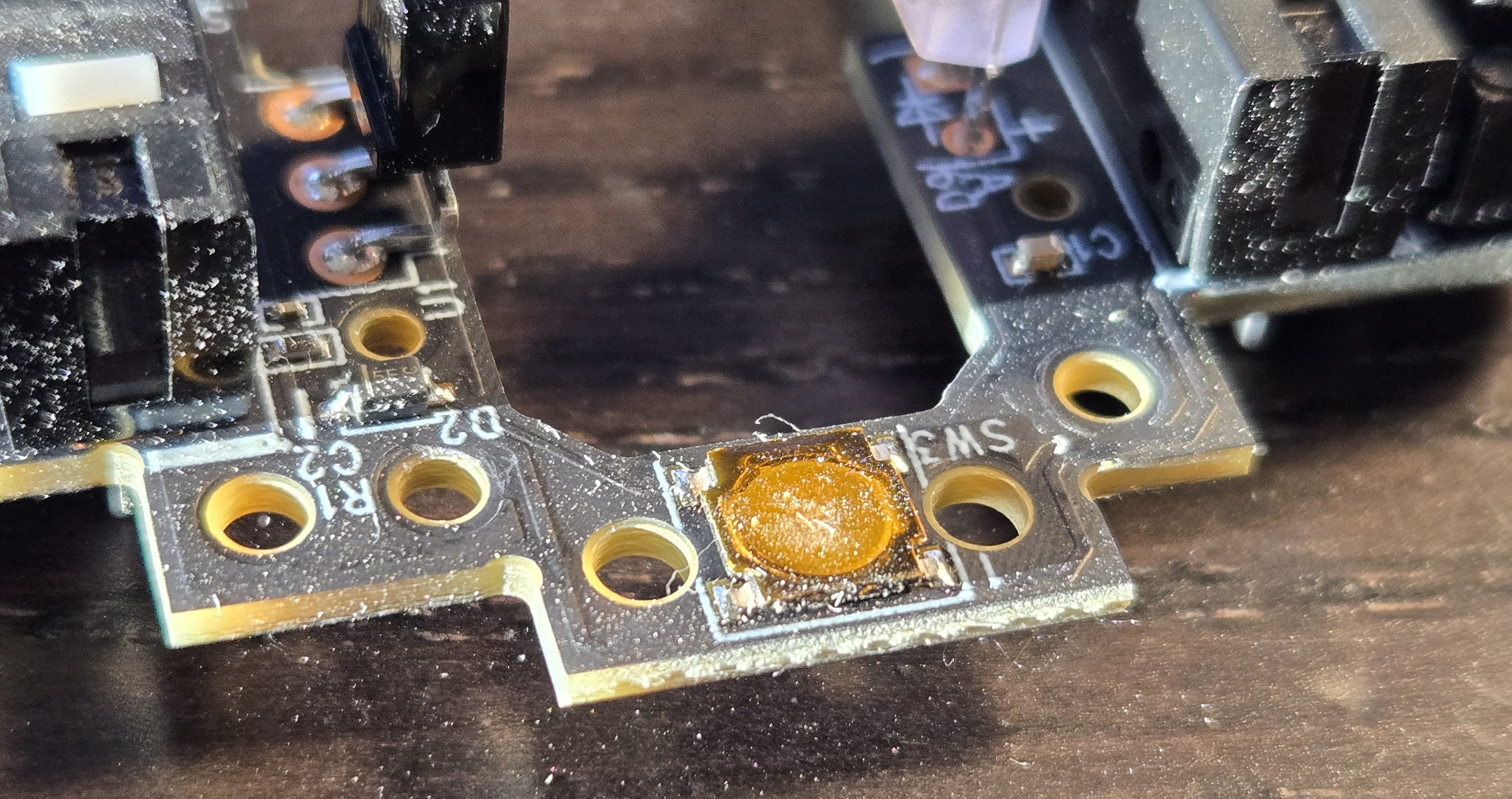
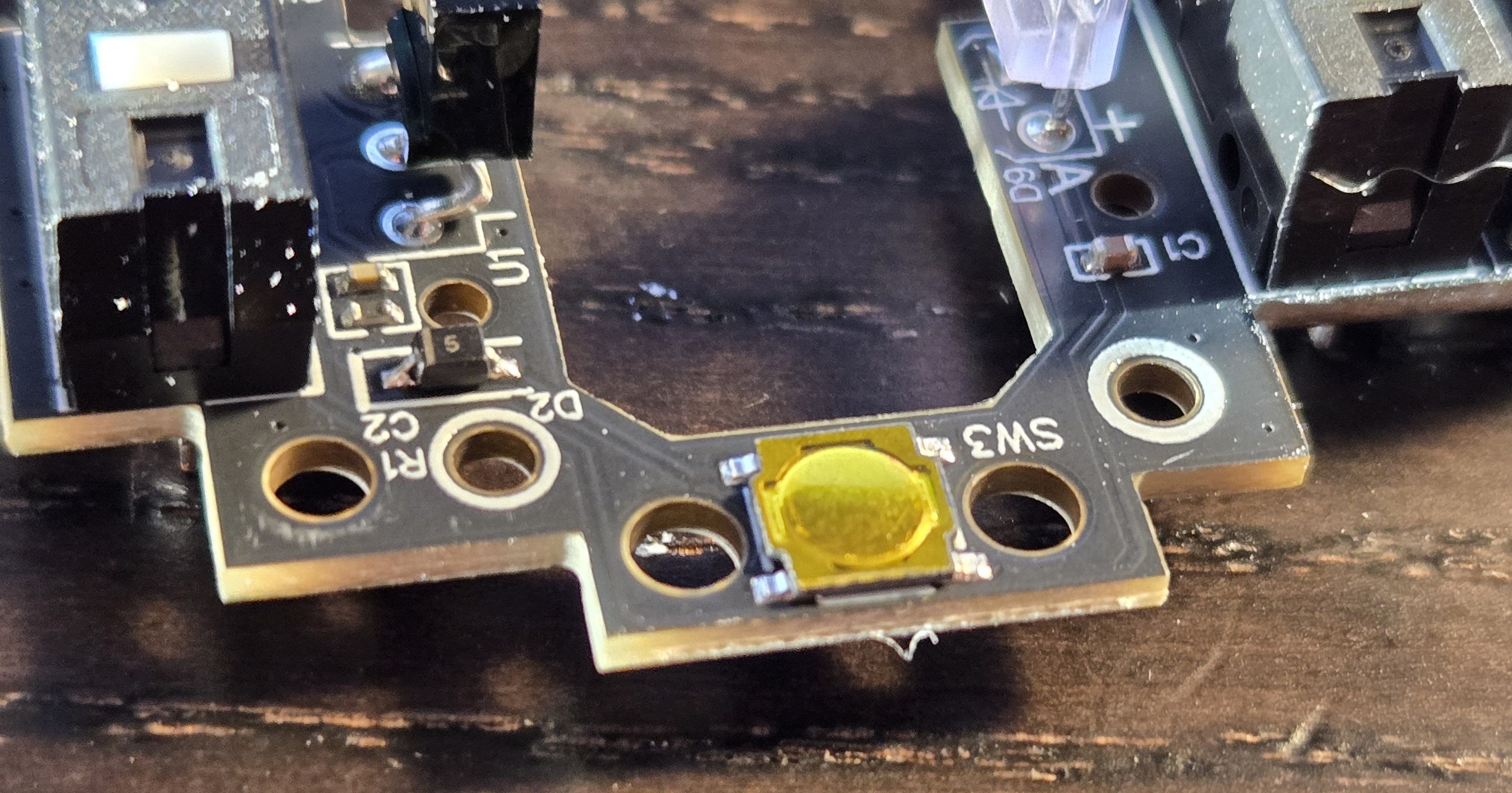
Below, one can see the old and new board. The dust is blowing out the image of the old one, but there is a sizable dimple in the snap dome, if one can even call it that anymore, it’s lost any clickiness, settling into a pathetic, limp catatonia.